Velook - Slope Bike Computer and Power estimate2.3.1
Publisher Description
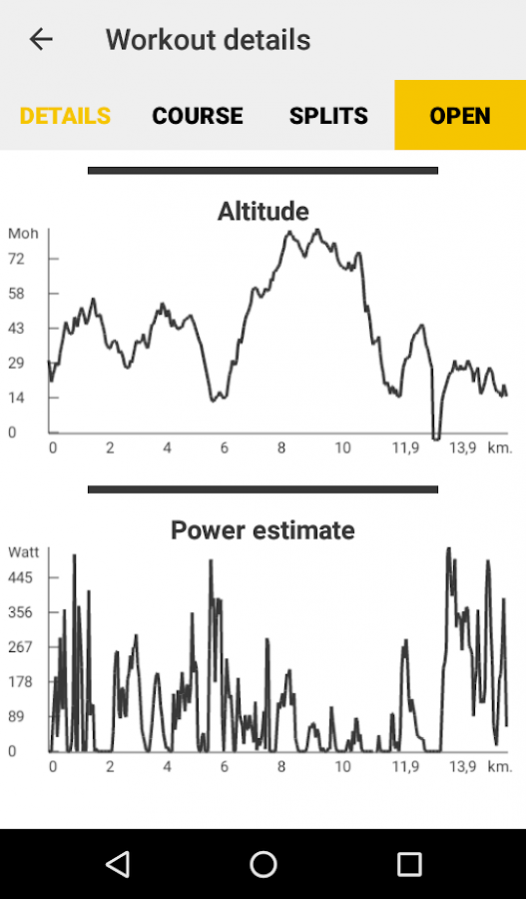
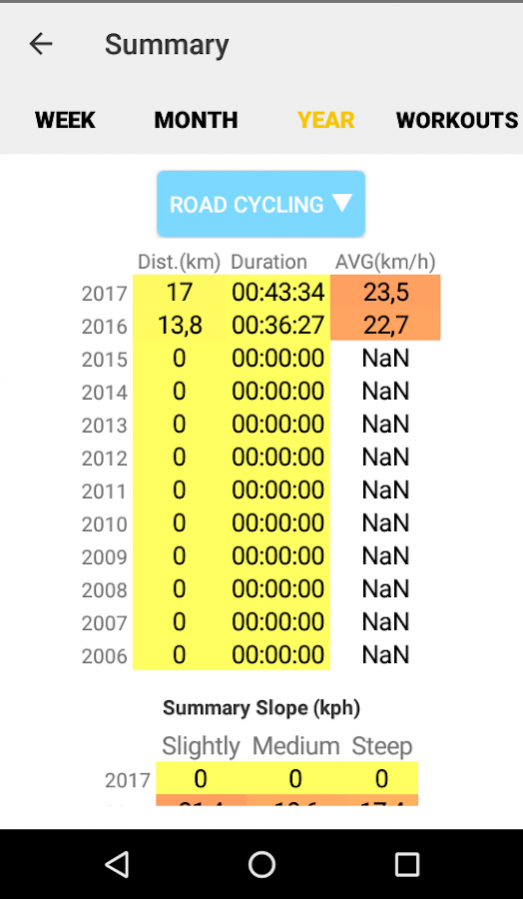
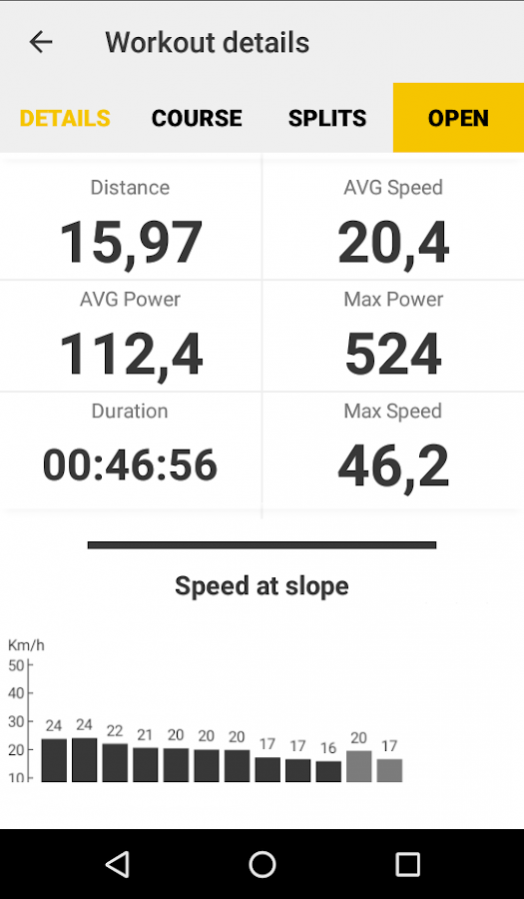
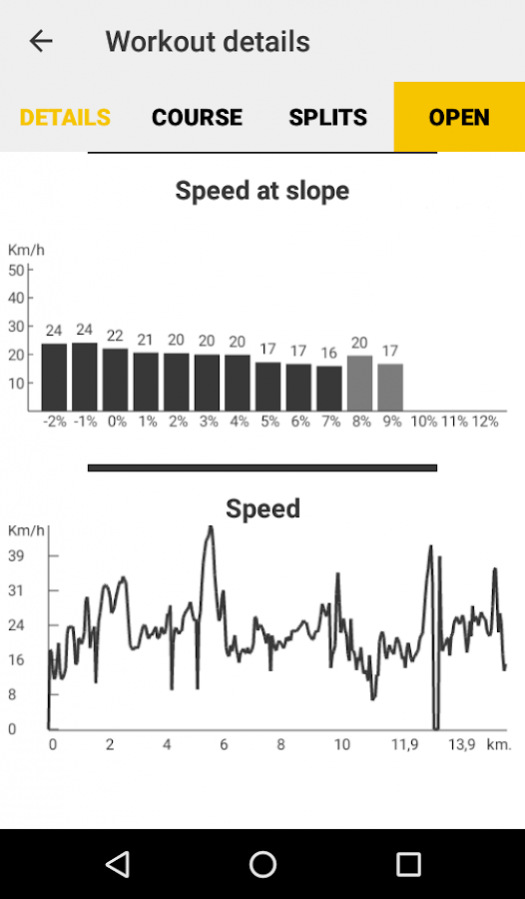
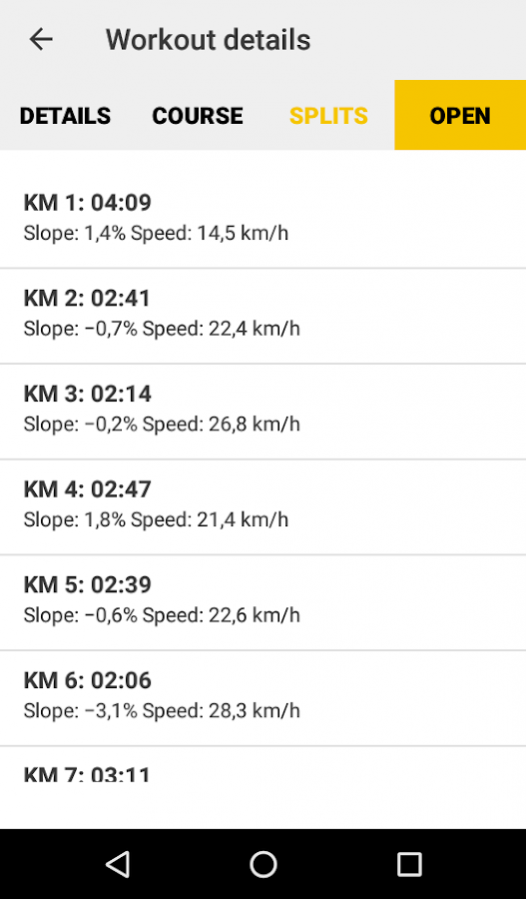
Fasten your mobile device to your bike, and calibrate the application on a flat ground. Then the app will calculate the slope in percent using the motion sensors in the device. The application use GPS to get traditional cycling computer features as distance, speed and gained altitude. You can also set a kilometer target for the workout. Velook Cycling App also includes a comparison function, which compares your current workout to a chosen former workout. It can also be used for running or other activities. Then the GPS must be used to measure the slope and altitude.
List of functions
• Speed, distance and average speed.
• Slope in percent. Uses the motion sensors(more accurate), GPS or pressure sensors for getting the data.
• Speed and altitude graphs
• Power estimate. Use gradient and speed to estimate current and average power.
• Summary over distance, average speed and duration per week, month and year.
• Summary over average speed in different slope steepness per week, month and year.
• Gained altitude.
• Comparison with earlier workout and get the difference in seconds.
About Velook - Slope Bike Computer and Power estimate
The company that develops Velook - Slope Bike Computer and Power estimate is Velook Cycling App. The latest version released by its developer is 2.3.1.
To install Velook - Slope Bike Computer and Power estimate on your Android device, just click the green Continue To App button above to start the installation process. The app is listed on our website since 2017-07-27 and was downloaded 26 times. We have already checked if the download link is safe, however for your own protection we recommend that you scan the downloaded app with your antivirus. Your antivirus may detect the Velook - Slope Bike Computer and Power estimate as malware as malware if the download link to no.ocero.gpstrackingapp is broken.
How to install Velook - Slope Bike Computer and Power estimate on your Android device:
- Click on the Continue To App button on our website. This will redirect you to Google Play.
- Once the Velook - Slope Bike Computer and Power estimate is shown in the Google Play listing of your Android device, you can start its download and installation. Tap on the Install button located below the search bar and to the right of the app icon.
- A pop-up window with the permissions required by Velook - Slope Bike Computer and Power estimate will be shown. Click on Accept to continue the process.
- Velook - Slope Bike Computer and Power estimate will be downloaded onto your device, displaying a progress. Once the download completes, the installation will start and you'll get a notification after the installation is finished.
Program Details
System requirements
Download information
Pricing
Version History
version 2.3.1
posted on 2017-07-27
* Bugs fixed
version 2.1.0
posted on 2017-01-01
2.1.0,* New graphical illustration of course.,* Added support for using pressure sensors to measure altitude and slope.,* New "How to?" section,2.0.3,* Possible to choose which features being visible,* New workout summary,* Added features max speed, max power estimate, support for more workout activity types.,* New altitude and speed graphs,* Removed goal
version 1.5.1
posted on 2016-08-10
1.5.1,* Bugs fixed.,1.5.0,* Improved slope measuring for both GPS and motion sensors.,* New workouts are now stored in a database on the device, and can be opened under summary -> workouts.
